 Pixel Print
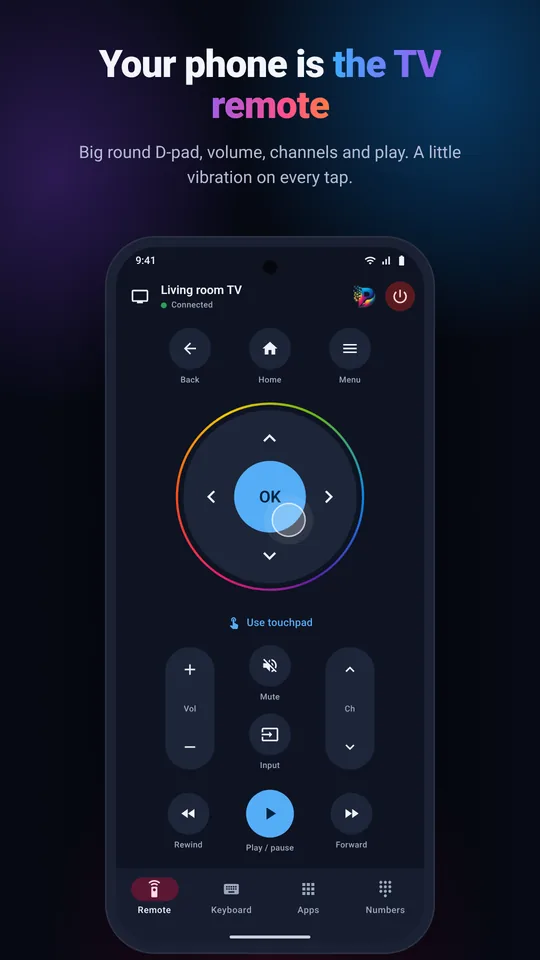
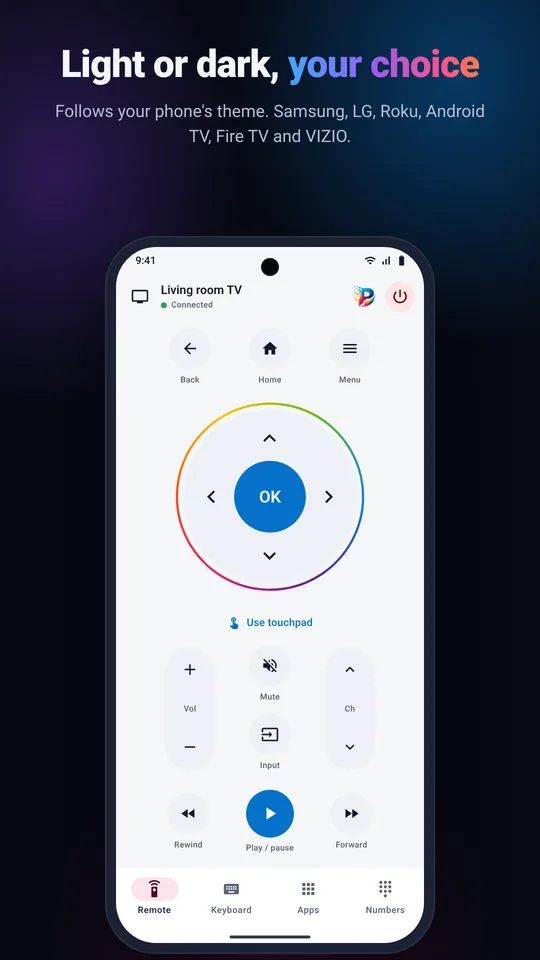
Big round D-pad
OK in the centre, Back, Home and Menu, with a gentle vibration on every press.
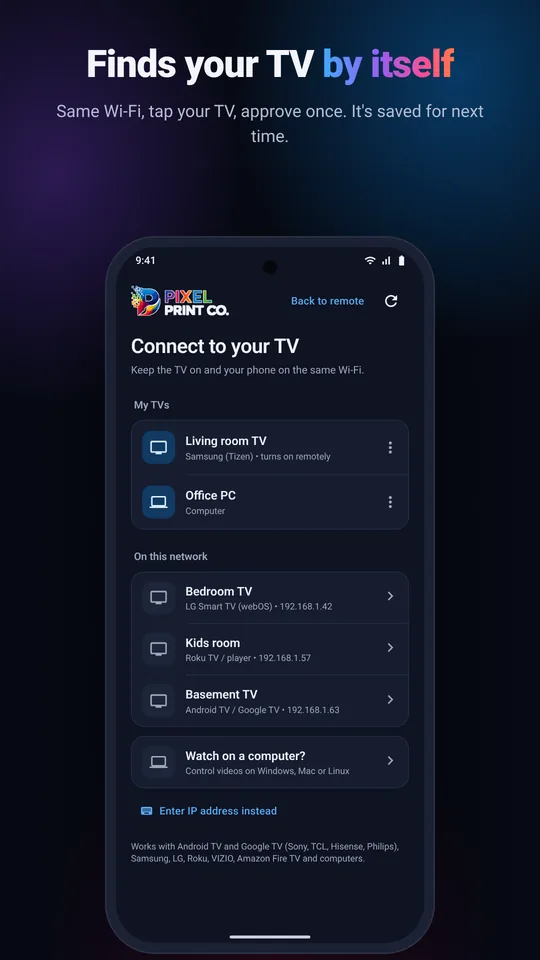
Control your smart TV, and the computer you watch movies on, over Wi-Fi. It finds your TV by itself, you approve it once, and from then on it opens straight to the remote.
iNo account. No ads. Nothing leaves your Wi-Fi.
iPhone version coming soon
Connect your phone to the same Wi-Fi as your TV (not a guest network).
The app lists the TVs and computers it finds on your network.
Allow it on the TV or type the short code it shows. Next time it connects in one tap.
Everything you reach for on a real remote, plus the things a phone does better.
OK in the centre, Back, Home and Menu, with a gentle vibration on every press.
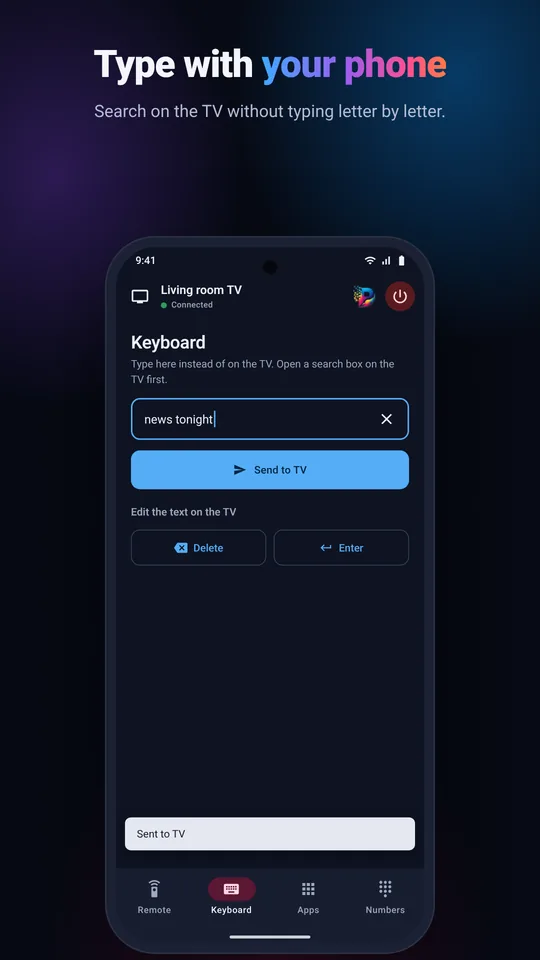
Search on the TV with your phone's keyboard, in any language.
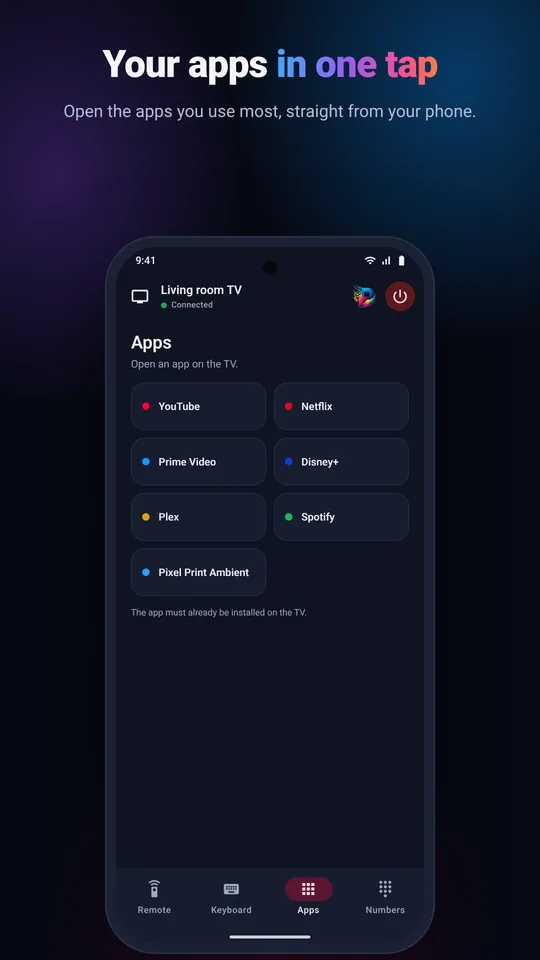
Open the streaming apps you use most straight from the phone.
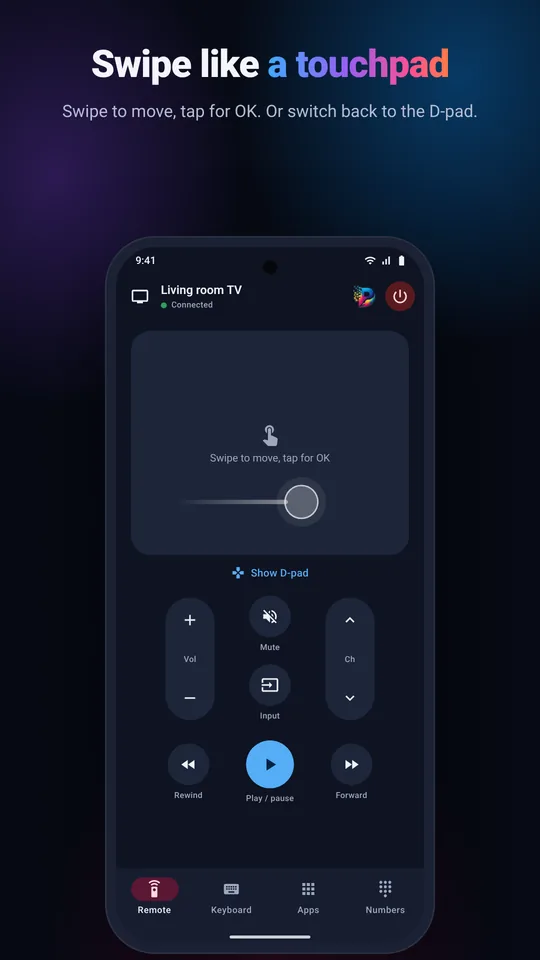
Keys that repeat while you hold them, plus play, pause, rewind and fast-forward.
Wake Samsung, LG and Roku TVs over Wi-Fi.
Your TVs are saved, so the app reconnects by itself, even after the router gives them a new address.
A touchpad for menus and a number pad for channels.
Follows your phone's theme, with large, easy-to-read keys.
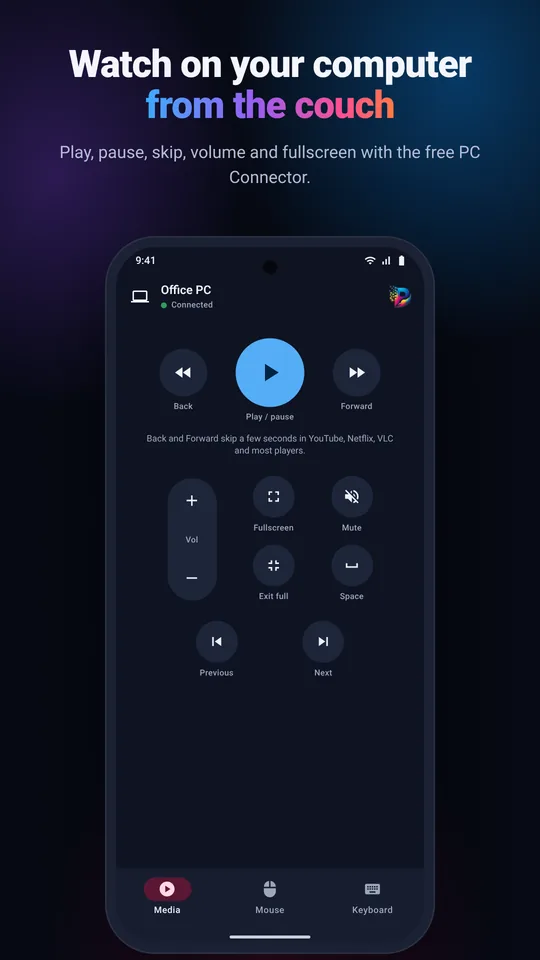
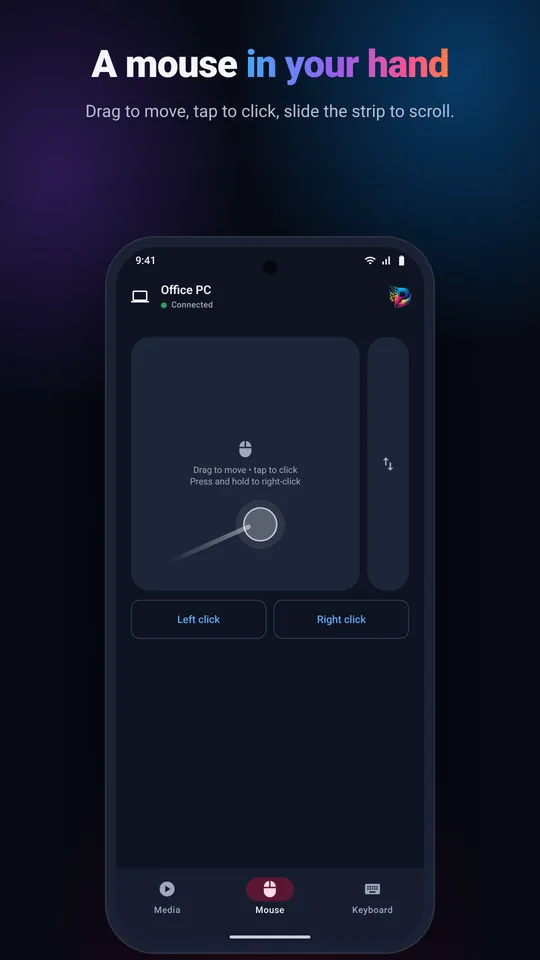
Install the free Pixel Print PC Connector, enter the 6-digit code once, then play, pause, skip, change the volume, go fullscreen, type and move the mouse from your phone. Works with YouTube, VLC and most video players.
The app talks only to the devices on your own Wi-Fi. There is no account to create and nothing is sent to us.
Yes. The app and the PC Connector are free, with no ads and no in-app purchases.
Check that the phone and the TV are on the same Wi-Fi network and not on a guest network, and that the TV is on. You can also type the TV's IP address in the app.
On the Roku, open Settings, System, Advanced system settings, Control by mobile apps, and allow it.
No. You approve the TV once. The app remembers it and reconnects by itself, even when it gets a new address.
Windows 10 and 11 (x64 and ARM), Macs with Apple Silicon or Intel, and Linux with X11.
Android TV and Google TV (Sony, TCL, Hisense, Philips, Xiaomi and others), Samsung Smart TVs from 2016 and newer, LG webOS TVs, Roku players and Roku TVs, Amazon Fire TV and VIZIO SmartCast TVs. The phone and the TV must be on the same Wi-Fi.
No. Pixel Print TV Remote works over Wi-Fi, so it works on any Android phone, with or without infrared, and you do not have to point it at the TV.
Yes. Every TV and computer you pair is saved in My TVs, so you can switch between the living room TV, the bedroom TV and your computer in one tap.
Yes, it is on its way to the App Store.