 PIXEL
Smart order
Lists in your language and from your country come first, automatically.
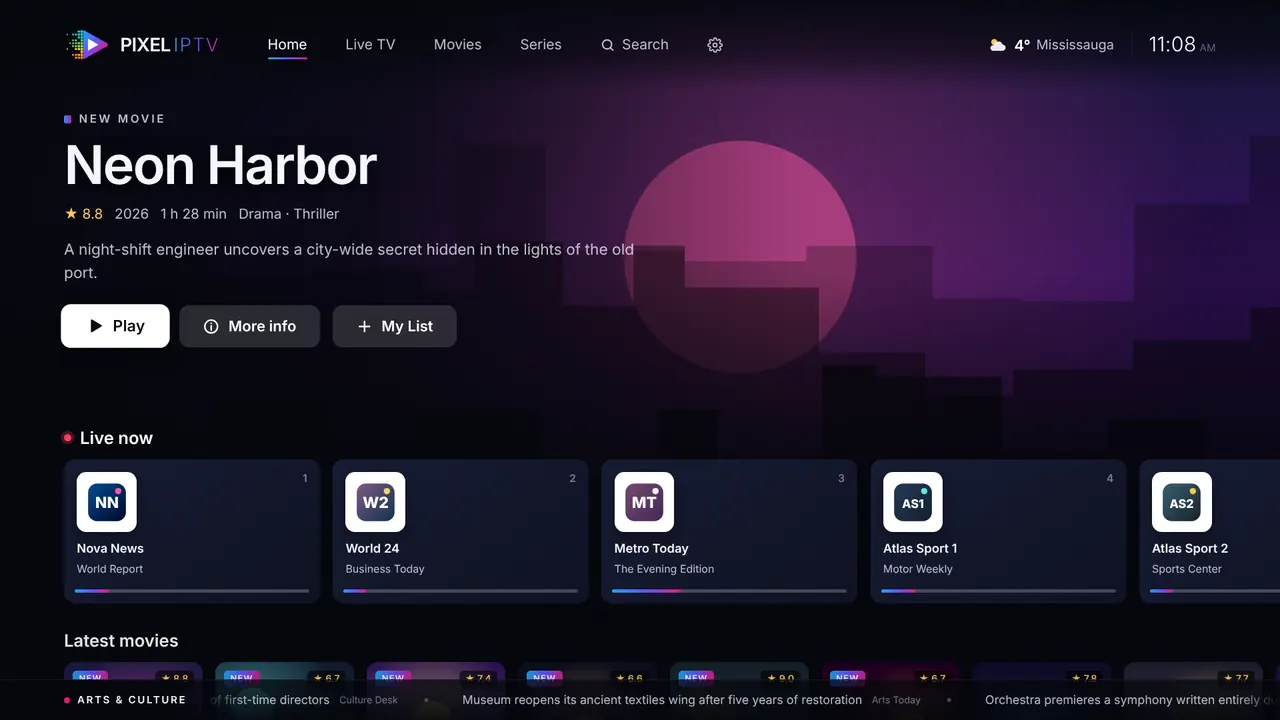
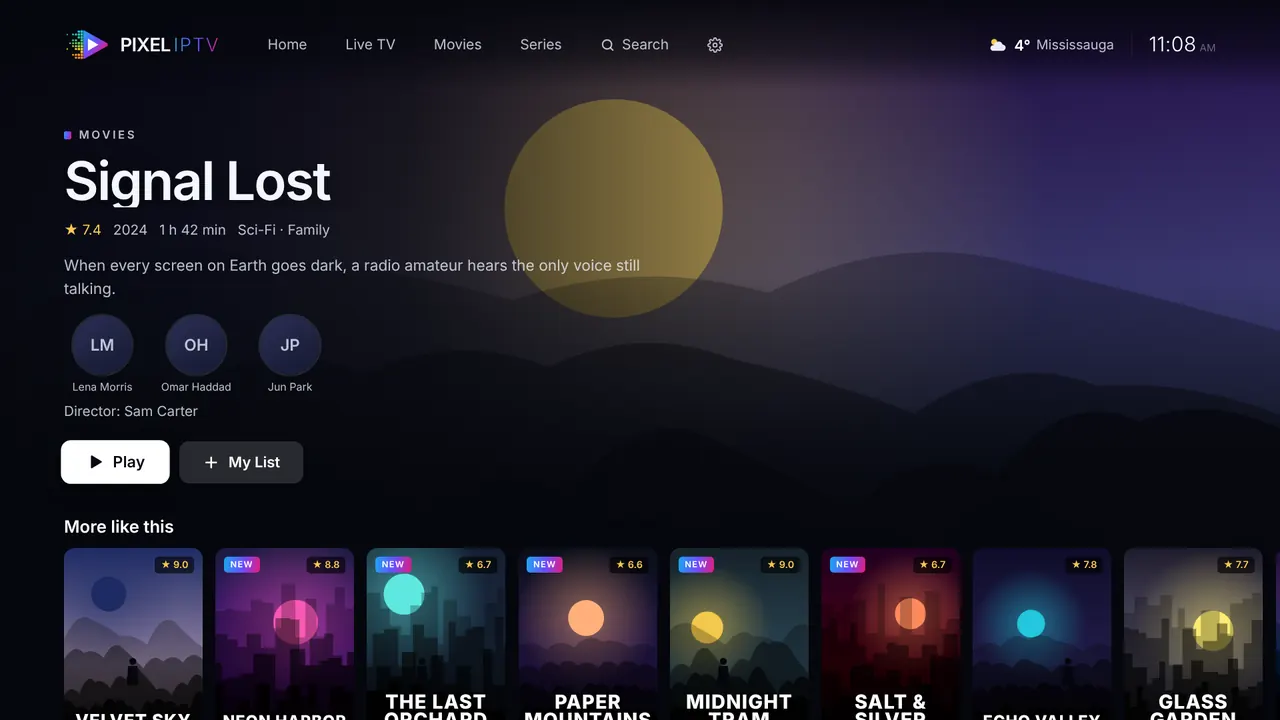
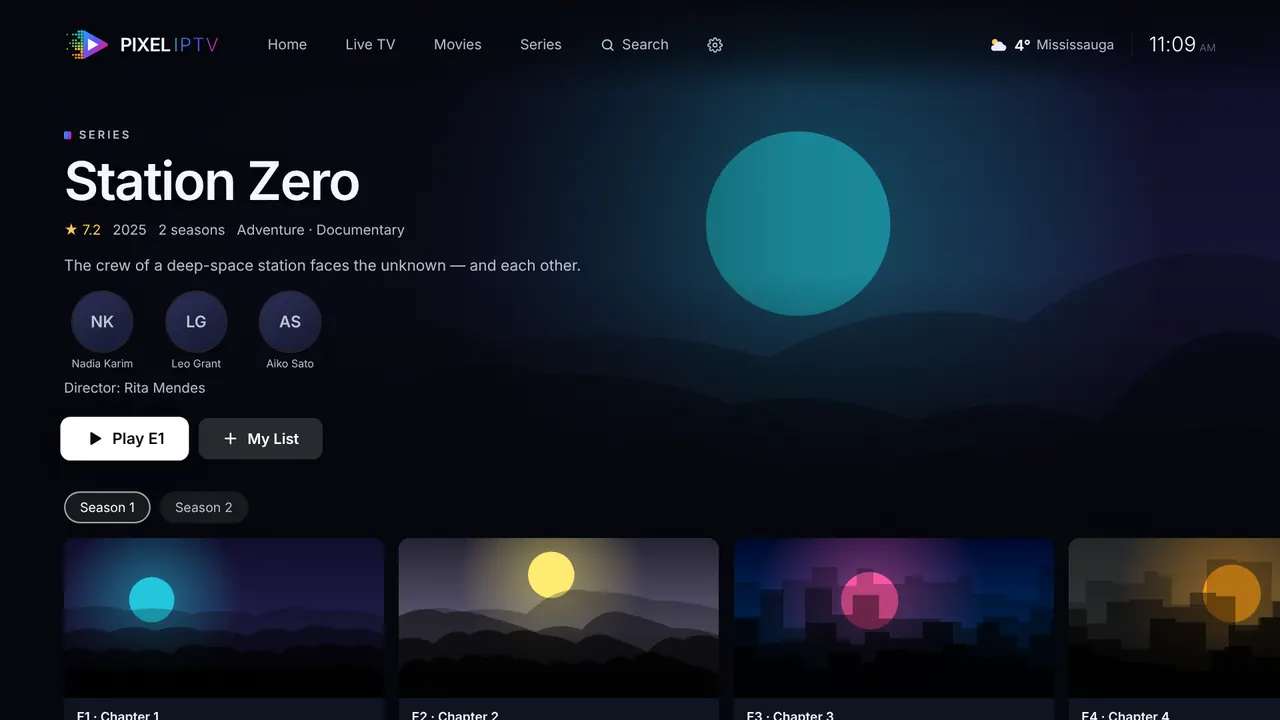
Pixel IPTV turns the subscription you already have into a clean, cinema-style experience: live TV with a guide, films and series with descriptions in your language, and smart features that simply work.
iA player only, no channels or content included.
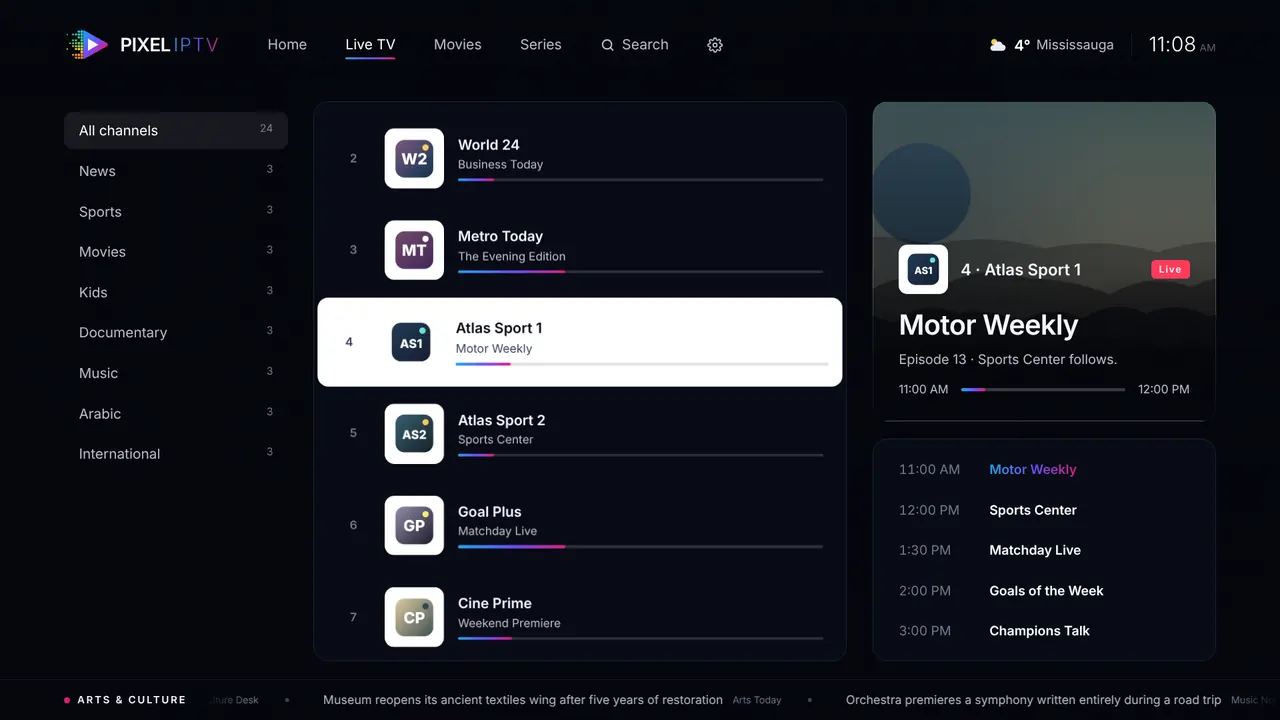
Pixel IPTV is a media player made by Pixel Print Co in Mississauga, Canada. You add your own IPTV subscription, an Xtream Codes login or an M3U link from the provider you choose, and Pixel IPTV organises it into a home screen, a live TV guide, and film and series pages. It does not sell, host or include any channels, films or series.
Get it from your device’s app store, or download it directly.
Scan the QR code on the TV and type your details on your phone, or use the remote.
Your channels, films and series appear, organised and in your language.
Everything a great TV app should do, and a few things most don’t.
Lists in your language and from your country come first, automatically.
Only English subtitles? Pixel IPTV translates them into your language, line by line, right on time.
Voices rise above loud music and effects, one button, no more turning the volume up and down.
A countdown to the next episode, and a Skip intro button that learns where each series starts.
Only children’s lists in Kids mode. Adult lists stay hidden until the PIN is entered.
Forgives spelling and accents, finds channels by number, and listens on Android TV.
What’s on now and next, channel logos and country flags, even when your provider leaves them out.
English, العربية, Français, Español, Deutsch, Italiano, Türkçe, हिन्दी, ਪੰਜਾਬੀ and اردو.
Your IPTV login belongs to you. Pixel IPTV keeps it on your device.
Choose your device. New stores appear here as soon as they are live.
No. Pixel IPTV is a player only. It does not include, sell or host any channels, films or series. You add a subscription from a provider of your choice.
An IPTV subscription from a provider: either an Xtream Codes login (server, username, password) or an M3U playlist link.
Android TV, Google TV, Amazon Fire TV, Android phones and tablets, Windows 10 and 11, and Mac (Apple chip and Intel). Samsung and LG smart TVs, Roku, Apple TV and iPhone are on the way.
Yes. Your server address, username and password are stored only on your device and are never sent to us. Setting up from your phone is end-to-end encrypted.
Ten: English, Arabic, French, Spanish, German, Italian, Turkish, Hindi, Punjabi and Urdu, including descriptions and translated subtitles.
Pixel IPTV is a media player, like any video player app. You are responsible for making sure you have the right to watch the content you add.
Yes. Download Pixel IPTV for Windows 10 and 11, and for Mac with an Apple chip (M1 to M4) or Intel, from this page. It plays live TV, films and series in almost every format, including MKV files and AC3, E-AC3 and DTS sound.
Open Pixel IPTV, choose Add playlist, then enter your server, username and password (Xtream Codes) or paste your M3U link. On a TV you can scan the QR code and type everything on your phone instead.